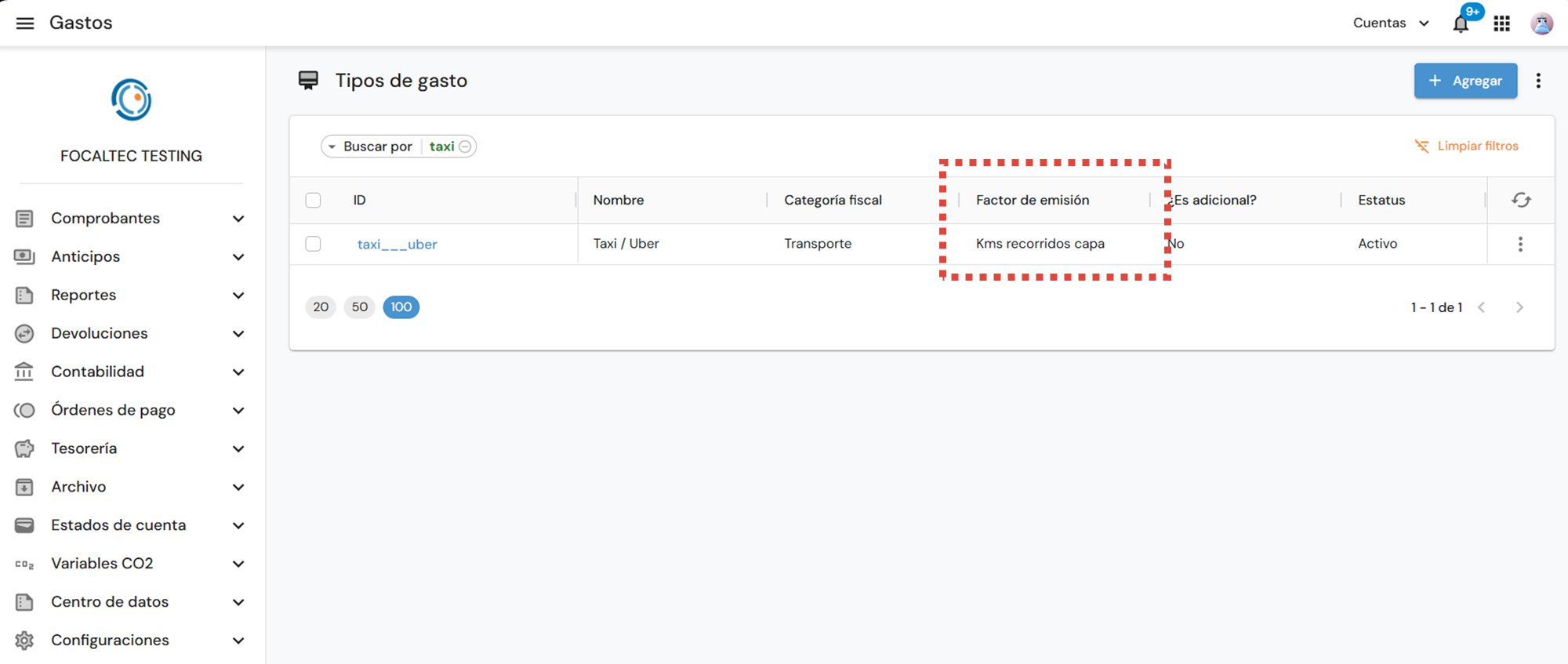
After configuring the “CO2 Variables” module, you will need to add the emission factor to an expense type that has already been created in the Focaltec Control de gastos portal.
Para agregar el factor de emisión a un tipo de gasto, es necesario realizar las siguientes acciones:
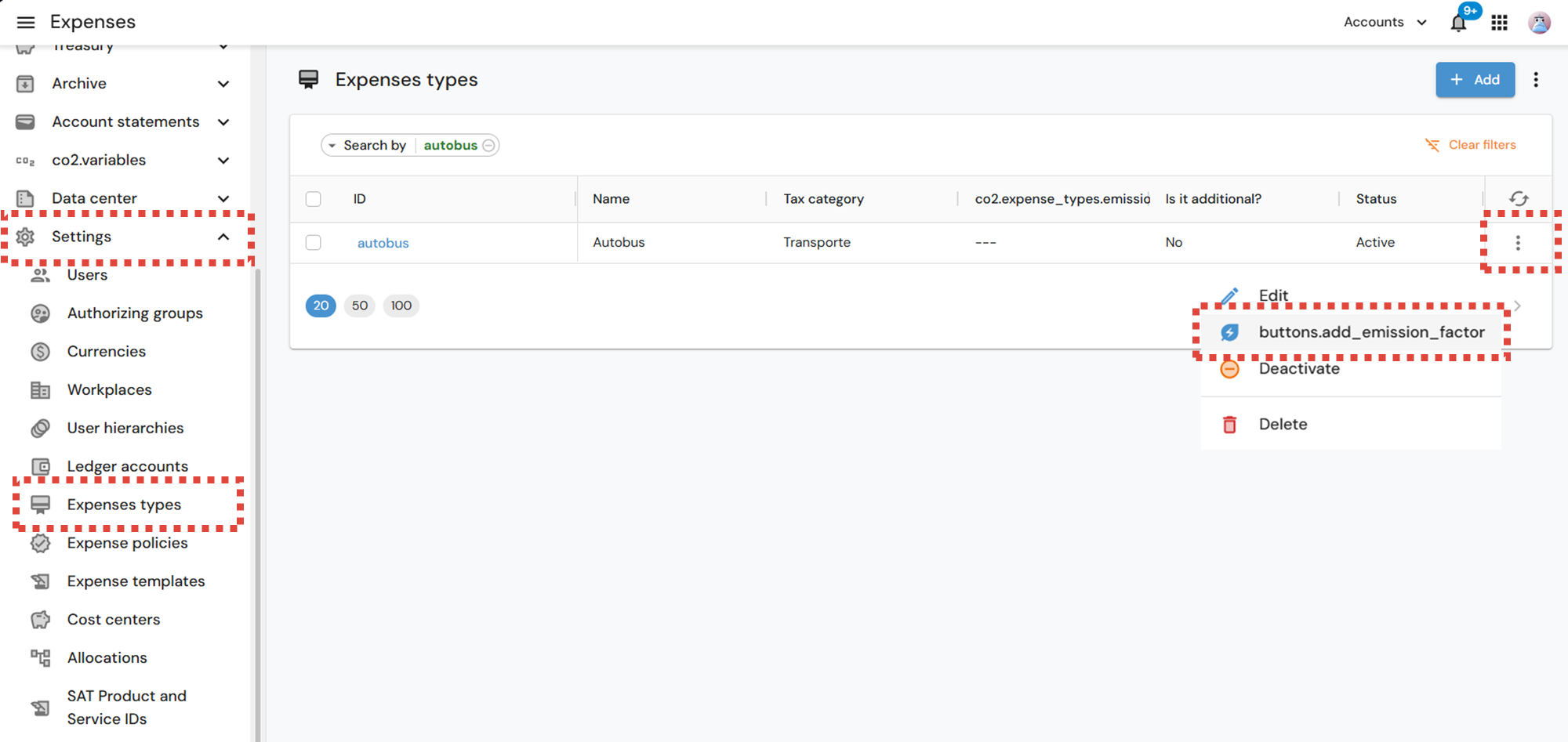
Log in to the Focaltec Control de gastos portal and select “Settings > Expense Types > Search for Expense > Click on the menu (three vertical dots ) > Add Emission Factor”.

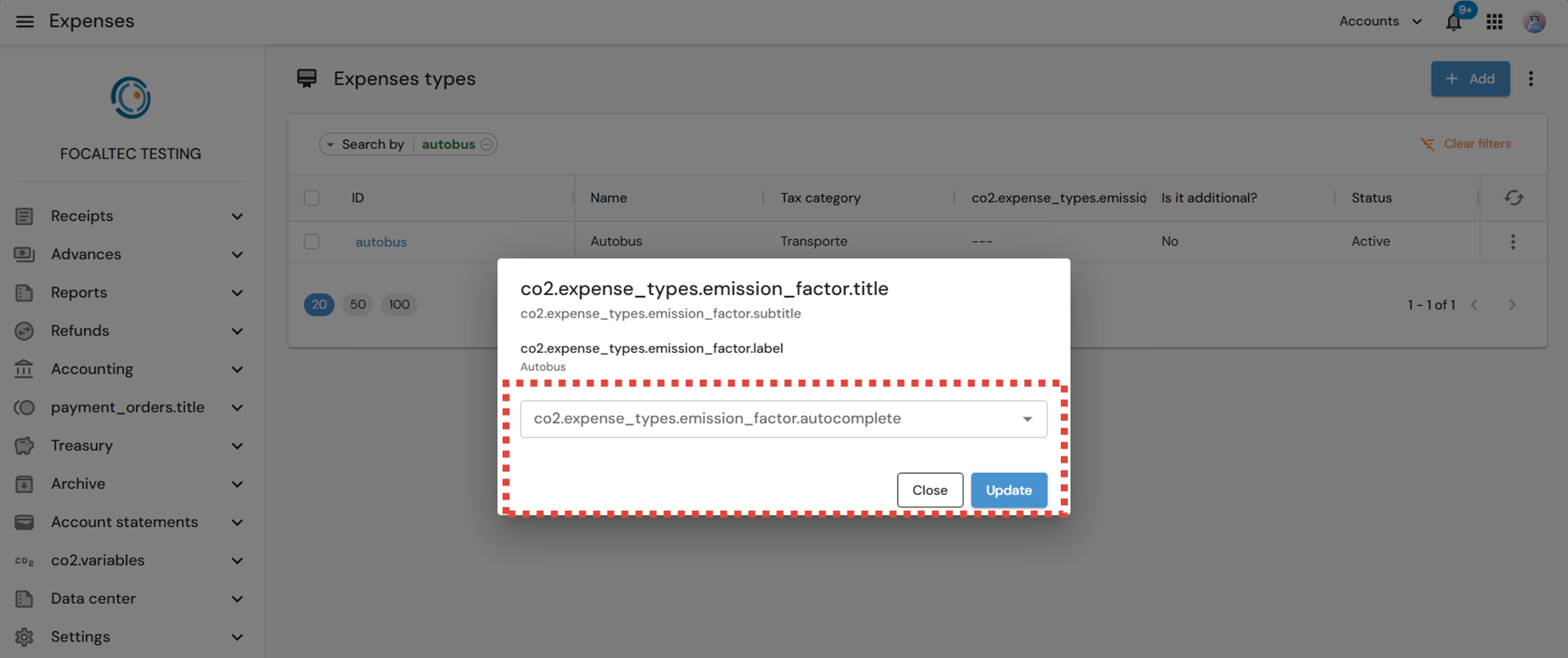
A subwindow will appear where you must select the “Emission factor” assigned to the type of expense, then click “Update”.
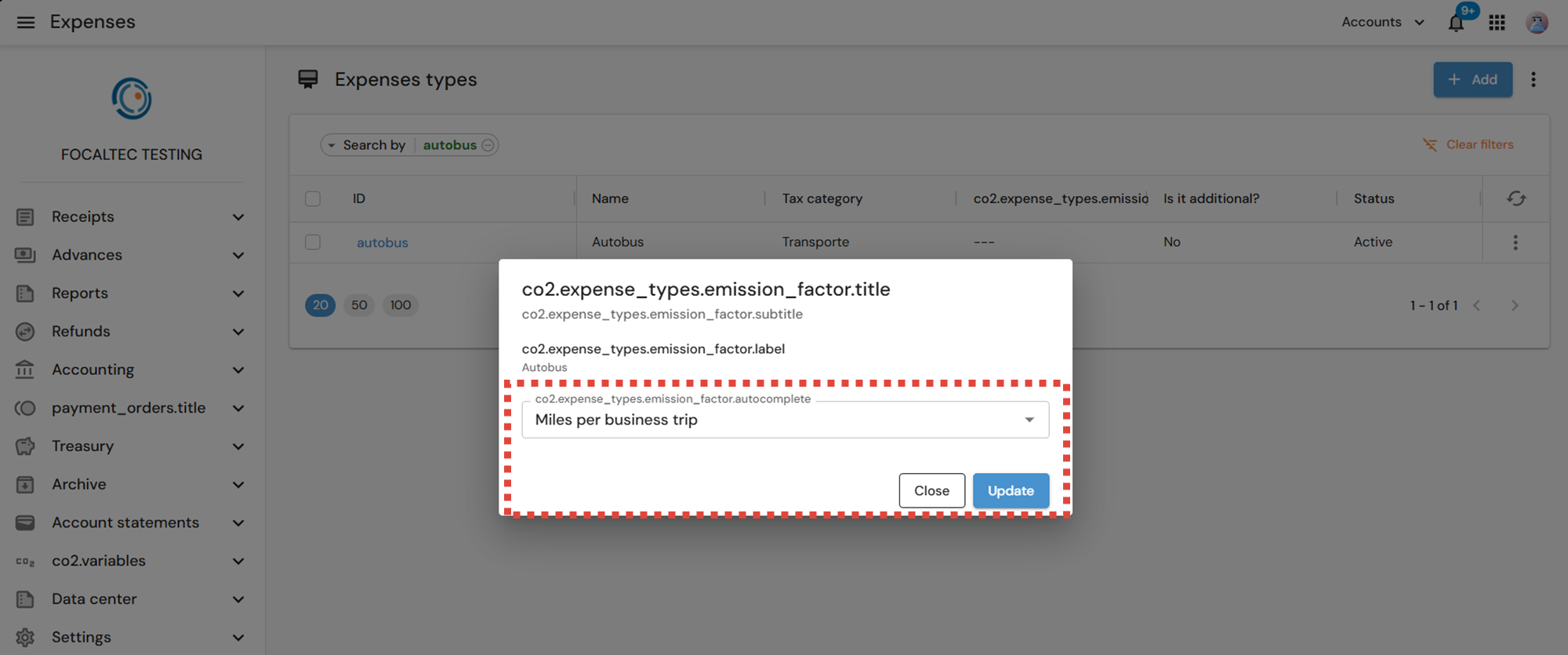
Finally, it can be seen that the “Emission factor” is assigned to the type of expenditure.