Background.
Currently, Focaltec Portal de Proveedores only notifies suppliers when a document in their digital file has expired or is due to expire. This late notification can cause significant inconvenience, as we are being reactive rather than proactive, meaning that suppliers do not have enough time to update their documentation before they are blocked from uploading new invoices or performing other critical operations.
Improvement to be implemented in Focaltec Supplier Portal.
If advance expiration configuration is required for a field in the digital file, you will need to request support to configure it within the Focaltec Portal de Proveedores.
Steps to enable advance expiration configuration for a field in the digital file in the Focaltec Portal de Proveedores:
You must request support to perform a configuration by submitting a ticket or sending an email to soporte@focaltec.com or ayuda@focaltec.com, with the subject line “Interval between reminders to send expired files to the supplier”.
Focaltec Support will need to verify that the option “Interval between reminders to send expired files to the supplier” is enabled and configured.
The Administrator (Client) must specify the following request information in the email:
Mention in the email the time interval “Days” before the expiration date of a field to notify the supplier that a field in the digital file is about to expire. The days must be separated by commas “,” for example: “1, 3, 7, 10, 15” (only numbers and integers). If non-integer values separated by commas are entered, the system will not send a notification for those “non-integer” items.
4. Once it is confirmed that the configuration is available within the Focaltec Portal de Proveedores, the company and suppliers will have the configuration enabled.
IMPORTANT.
The configuration is applied in the Focaltec Portal de Proveedores after the “Digital File” is accepted.
The notification is always sent to the Supplier at 6:00 a.m.
How does the notification work?
Example.
Field expiration date: “October 20, 2025”
Interval days for sending expiration notification: 1, 5, 10
Calculated notification send dates: “October 10, 2025, 6:00 AM,” “October 15, 2025, 6:00 AM,” “October 19, 2025, 6:00 AM”
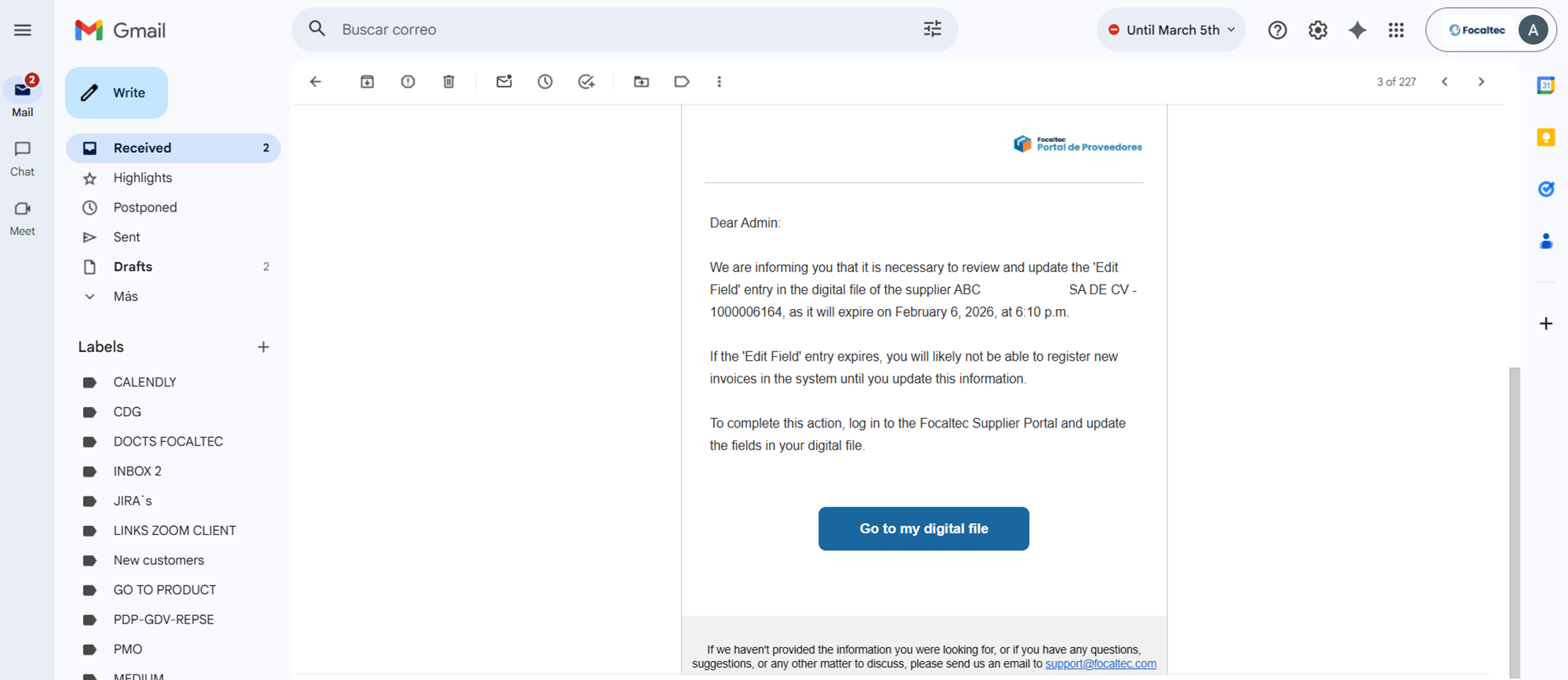
5. The supplier will receive a notification by mail informing them of the expiration of a field within their digital file.